Answers in Your Own Words
Load your FAQs, menus, and directions. GuideBot answers guests with your information, not generic replies.
Voice or TouchAsk out loud or type
EN / AREnglish & Egyptian Arabic

An autonomous host that greets and guides, ready to welcome guests throughout your working day while your team focuses on the people who need them most.
Tap a part and the camera moves in for a closer look.
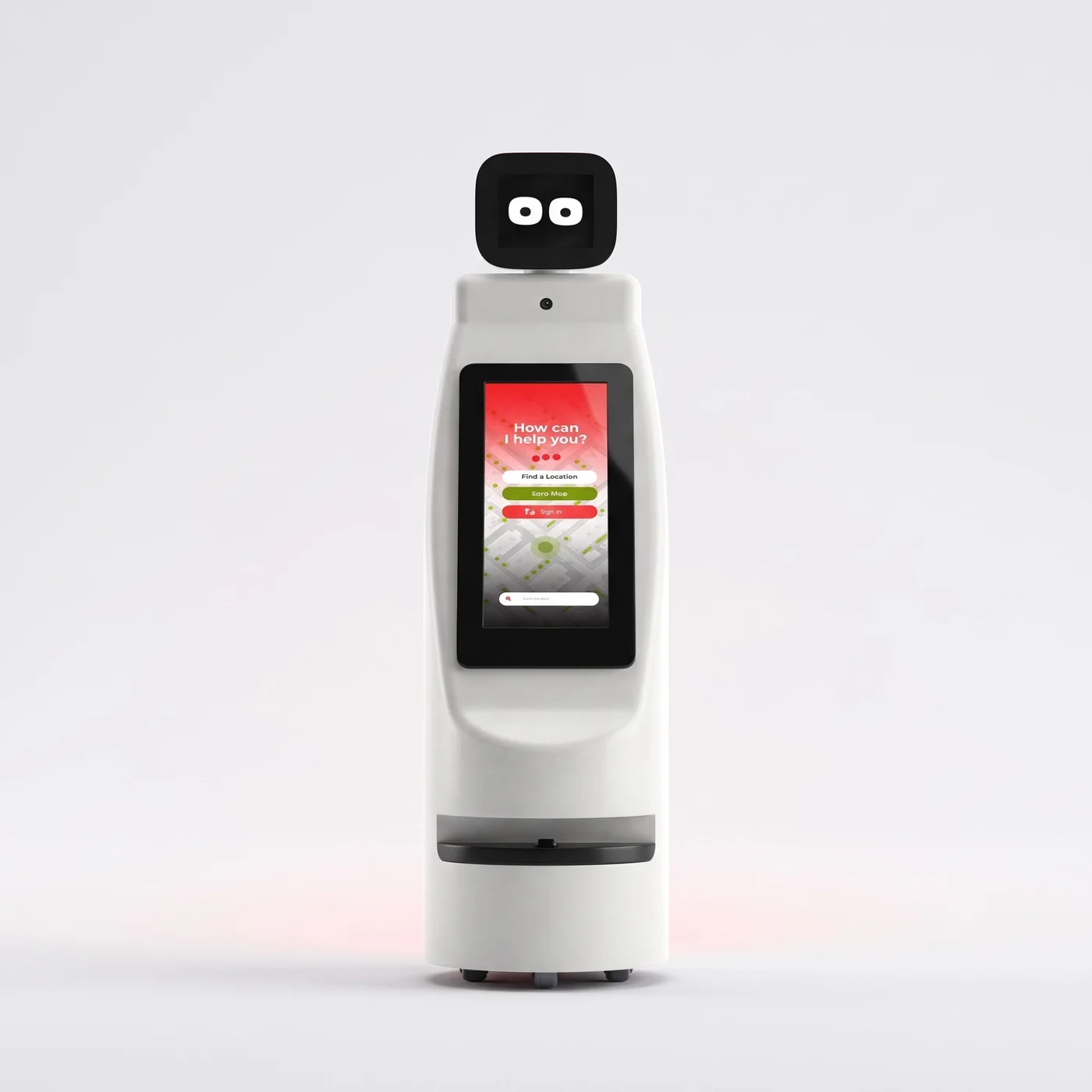
10-inch LCD "digital face" reacts and welcomes guests with personality.
Greeting guests and answering them in Egyptian Arabic, on the floor of a busy mall.
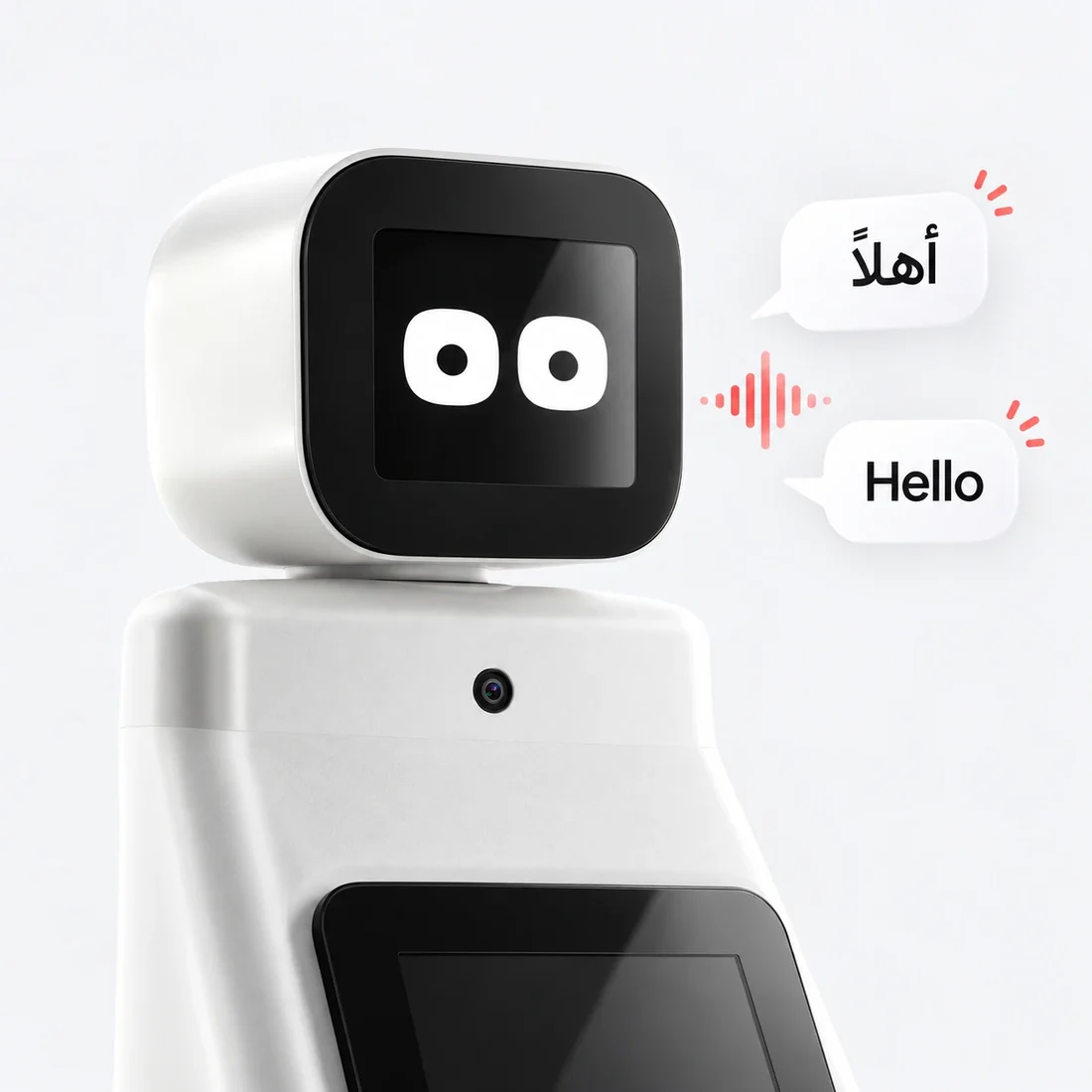
Fluent, natural conversation in English and Egyptian Arabic — tuned for busy, noisy spaces.
2D + 4D LiDAR with 360° sensing and SLAM mapping for obstacle-aware movement across a range of flat indoor surfaces.
Fully recharged in under 3 hours.
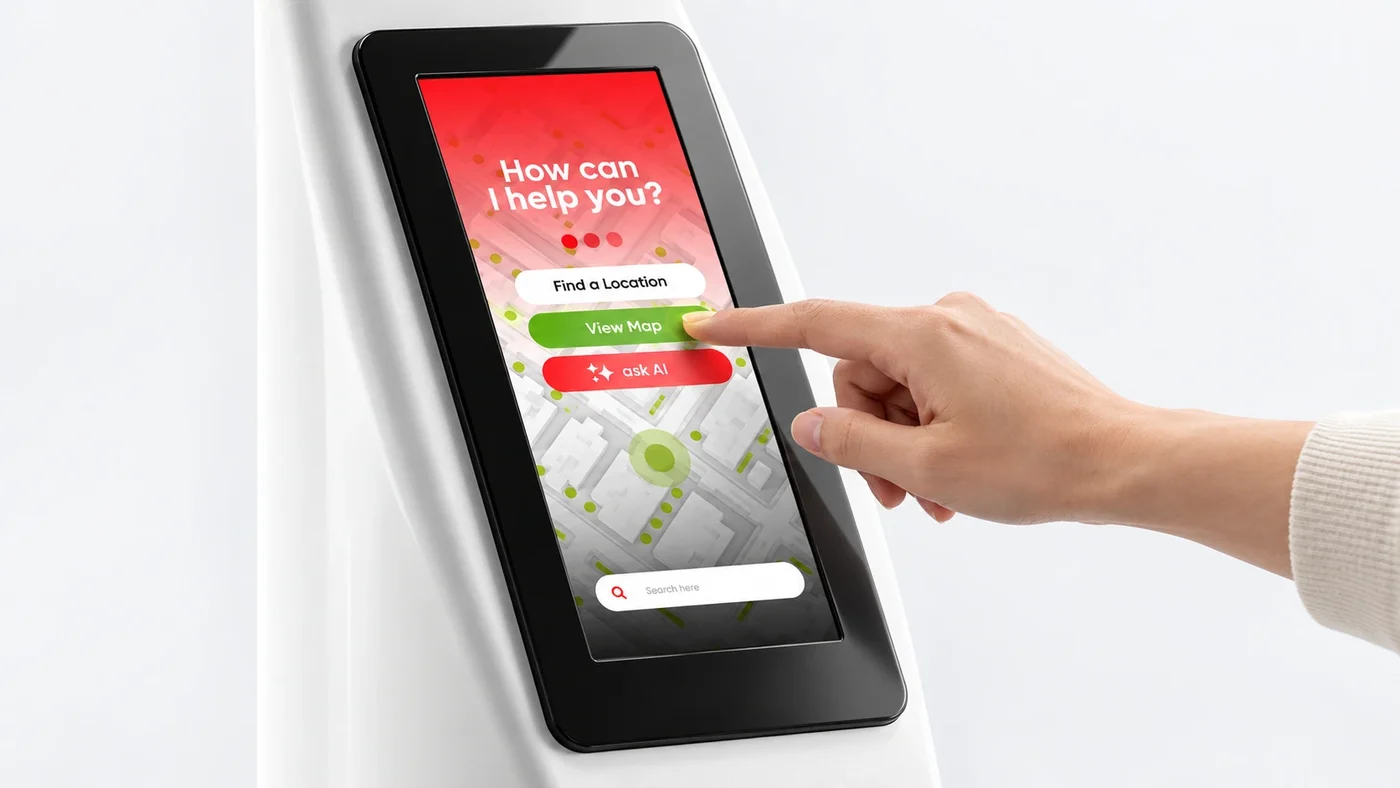
Menus, maps, ads, and games on a full-HD touchscreen — paired with a 10-inch expressive face.
Turns casual encounters into captured leads, game plays, and instant photo-booth moments.
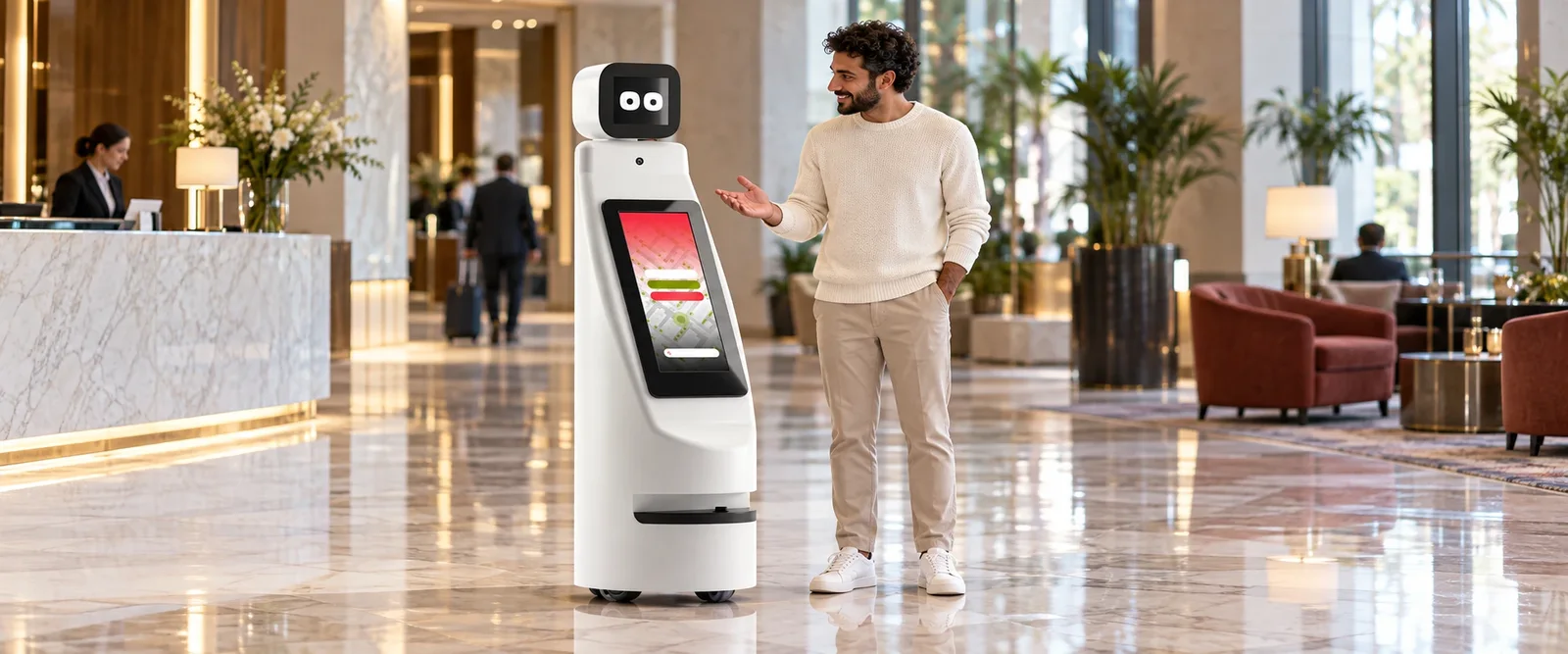
Roams the floor and stops to greet guests.
Stays online and synced, with Bluetooth pairing and optional LTE as a backup connection.
Load your FAQs, menus, and directions. GuideBot answers guests with your information, not generic replies.

It roams on patrol, or plans a route to walk a guest to their destination.
Set up content, the chatbot, and the robot itself from GuideBot's own touchscreen, a laptop, or the mobile app.
A locked Settings panel on GuideBot's own touchscreen covers everything on site, so staff can change it standing next to the robot.
 RoboxSystemSettingsEmail & App PasswordNavigation IconsRegistration FormManage LogosManage SlidesExcel DataChatbot PromptChatbot APIsAI ModelEdit Spin WheelMemory Match GameVolume BoostWiFi NetworksFace RecognitionOFFAdmin SettingsReload PageShut down / RestartLock Settings
Short demos of the features, the mapping, and the control panel.
Drag to spin GuideBot all the way around, or jump straight to the front, side, or back view.
GuideBot adapts to any facility that lives and dies by first impressions.
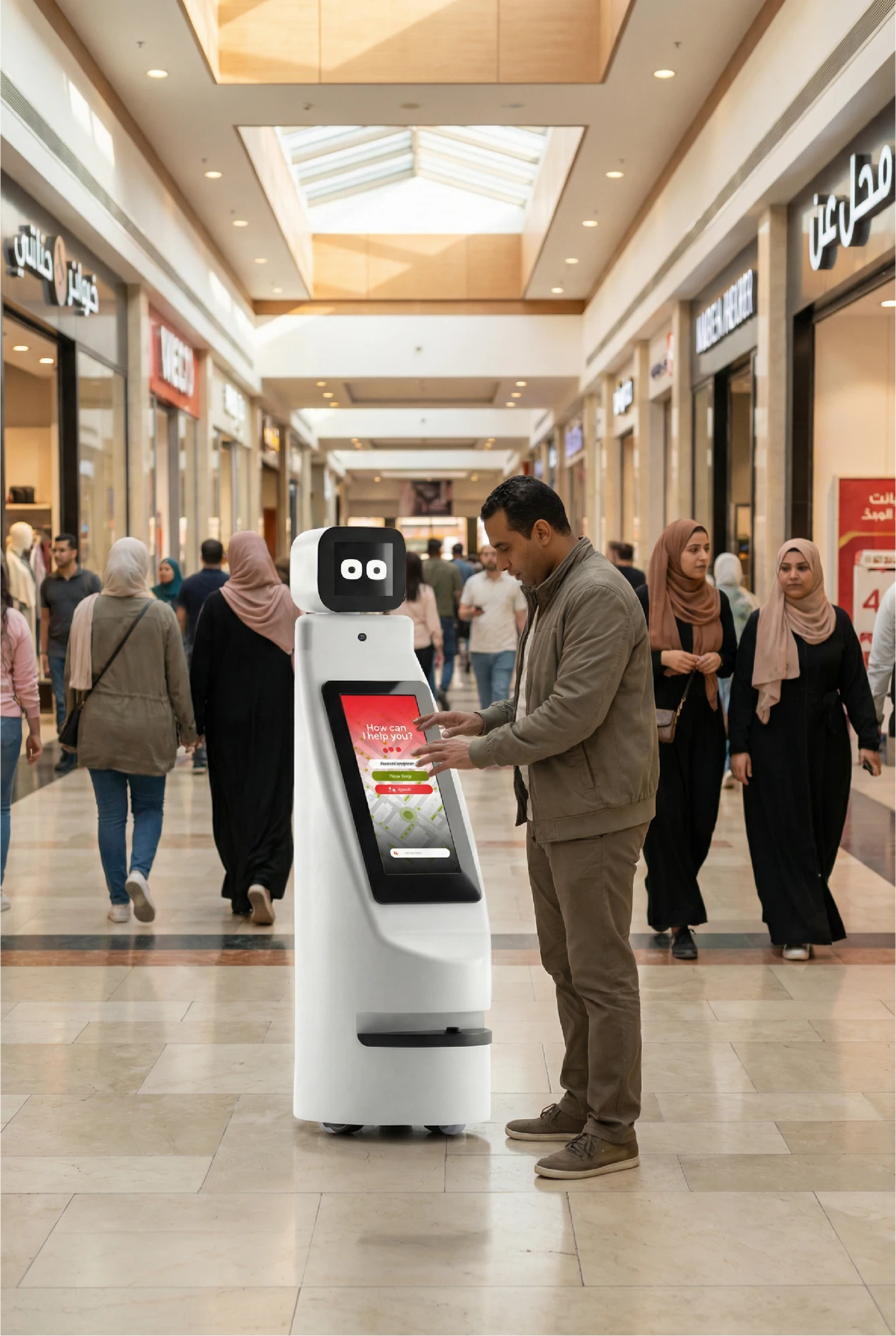
Wayfinding to shops, mobile advertising, and "Spin & Win" promotions.

Receptionist duties and tourist info.
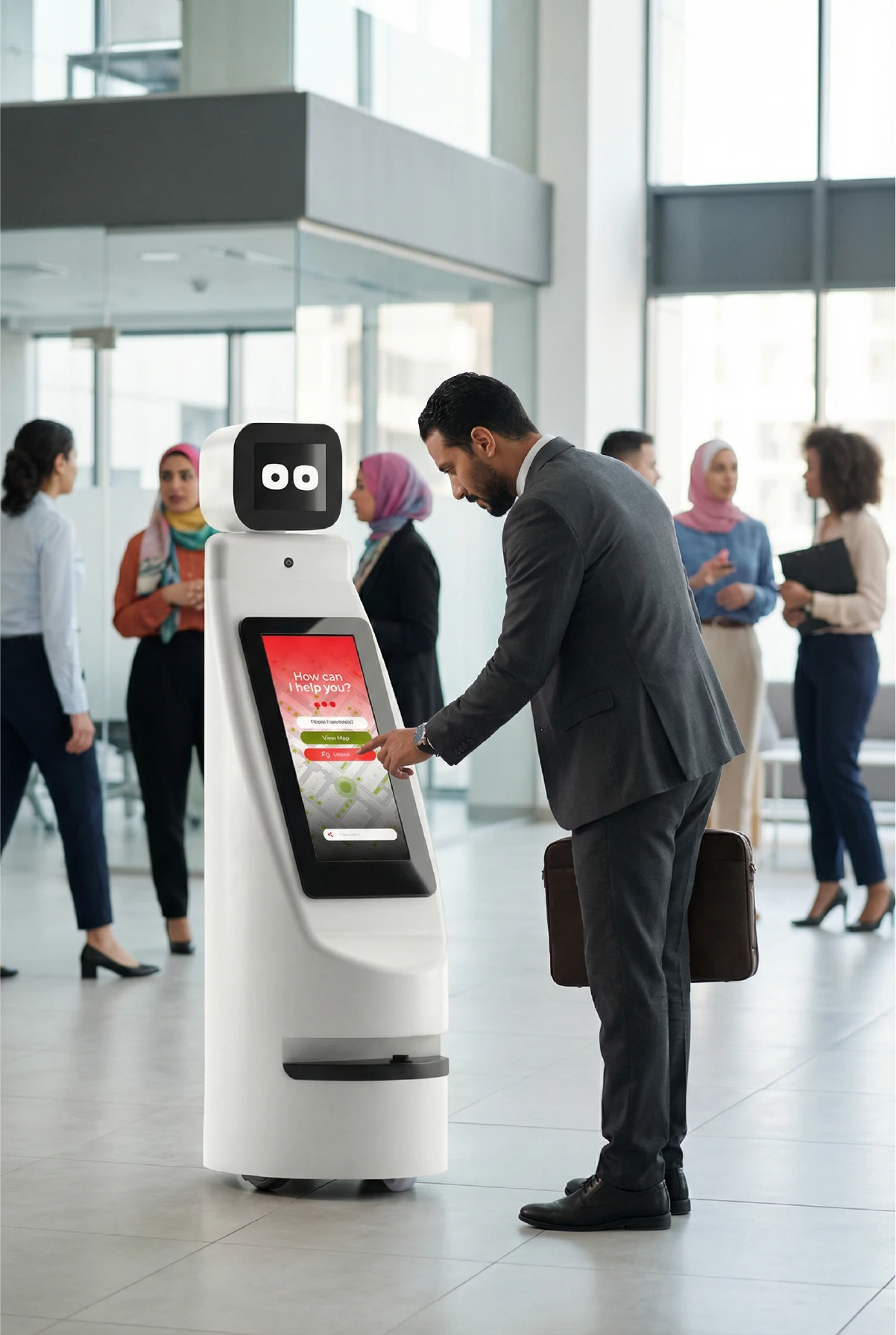
Visitor registration and employee engagement.
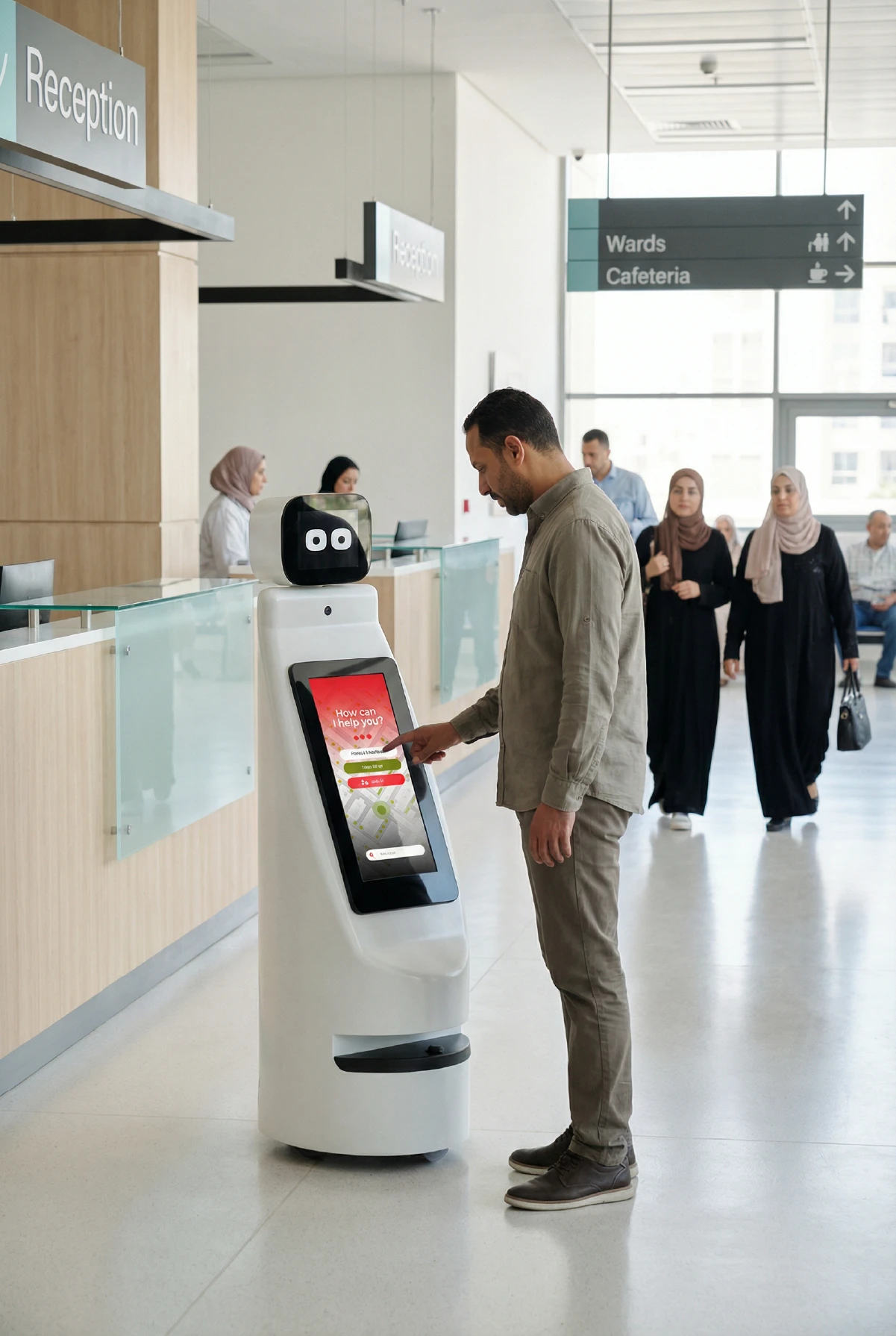
Directing patients to clinics and reducing administrative staff workload.
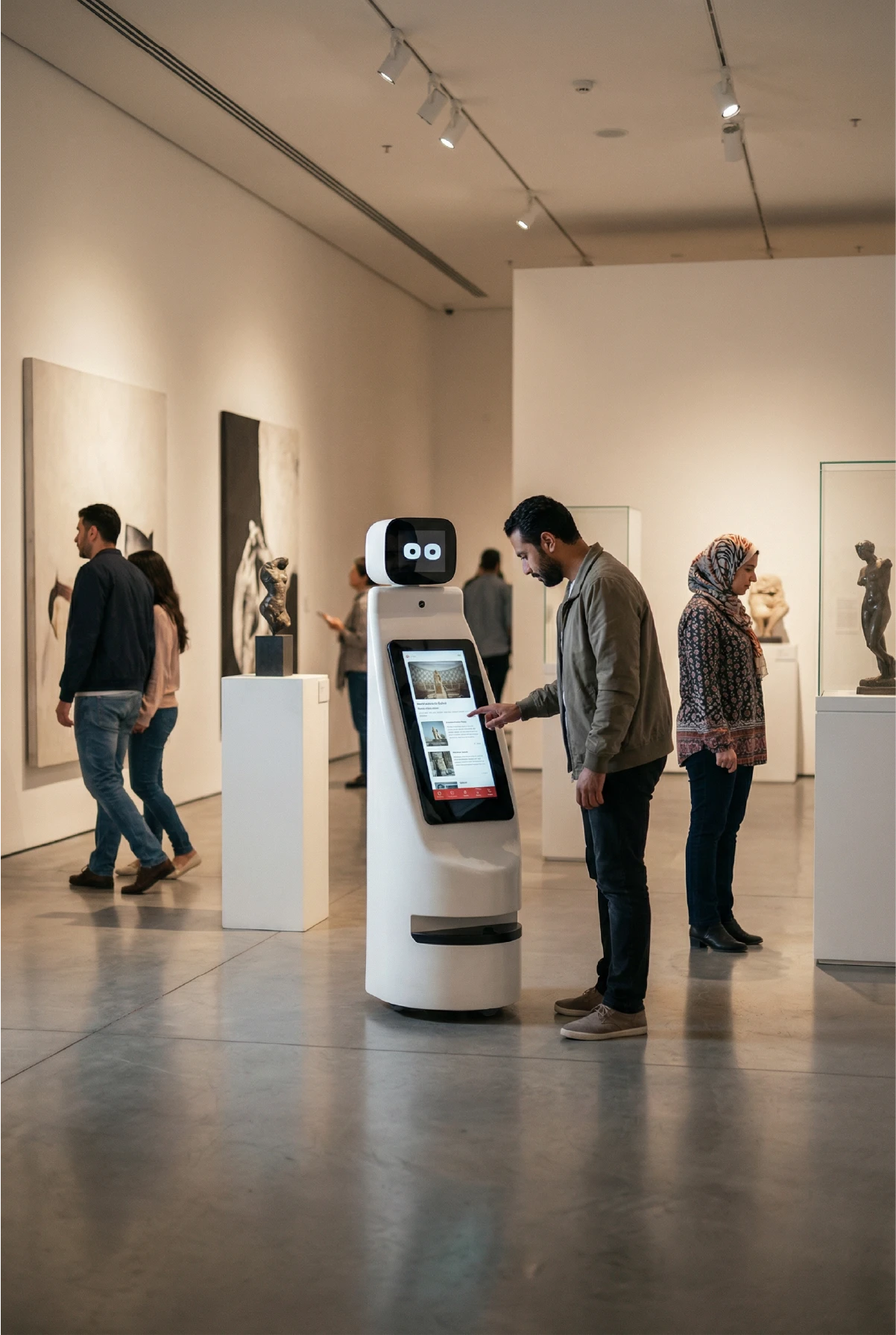
"Docent Mode" providing audio-visual tours of specific exhibits.
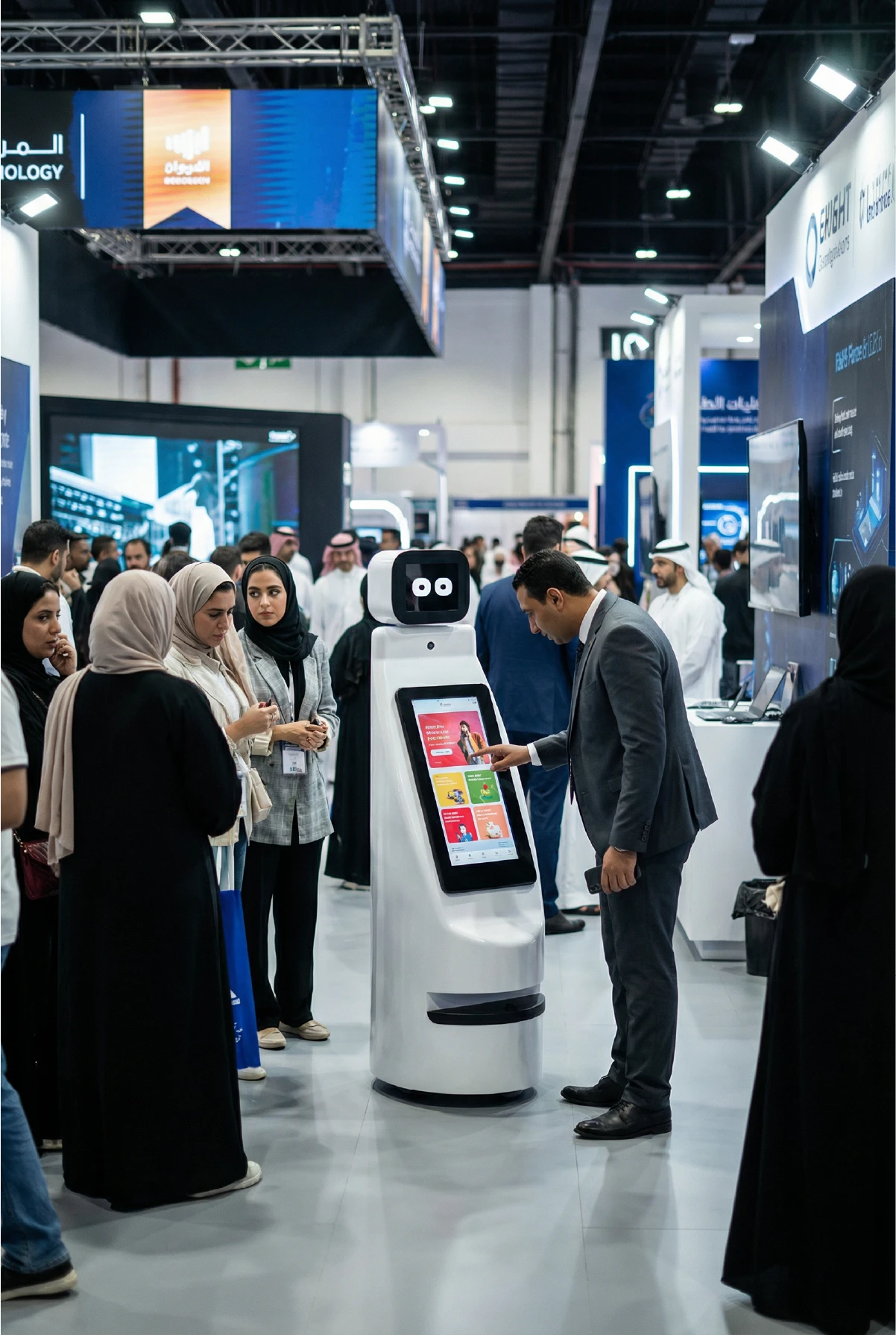
High-tech attraction for lead generation and brand awareness.
What venues usually ask before bringing GuideBot on board.
GuideBot welcomes guests, answers questions, displays maps and directions, and presents your menus, services, and promotions. It also supports interactive experiences such as games, lead capture, and branded photos.
Yes. GuideBot can roam your venue greeting guests, or walk a guest to a mapped destination such as a store, clinic or meeting room, then return to its route. GuideBot Pro does the same with a larger 27-inch screen and at least 10 hours of runtime.
Explore GuideBot ProGuideBot supports English and Egyptian Arabic. Guests can interact by voice or through its touchscreen.
GuideBot uses mapped routes and onboard sensors to navigate your venue. It responds to detected obstacles by slowing down, adjusting its route, or stopping. When a guest stops to interact, it pauses and resumes its route once the path is clear.
GuideBot is designed for flat indoor surfaces, including marble, ceramic tiles, wood, polished concrete, and low-pile carpet. Share your venue's layout and flooring details with our team to assess suitability.
GuideBot runs for at least 7.5 hours of continuous roaming and interaction on a full charge, and recharges fully in about 2.8 hours (0–80% in about 1.7 hours). Actual runtime depends on movement, screen use, interactions, and operating conditions.
Yes. GuideBot can display your branded visuals, promotional videos, menus, maps, and service information. Contact our team to discuss the content and interactive features you need.
Request a quote and tell us about your venue, intended use, and preferred features. Our team will discuss your requirements and the setup needed for your space.
Request a QuoteBoth roam, greet and escort guests to their destination. Pro adds a 27-inch ultra-wide screen and at least 10 hours of runtime for larger, busier venues.
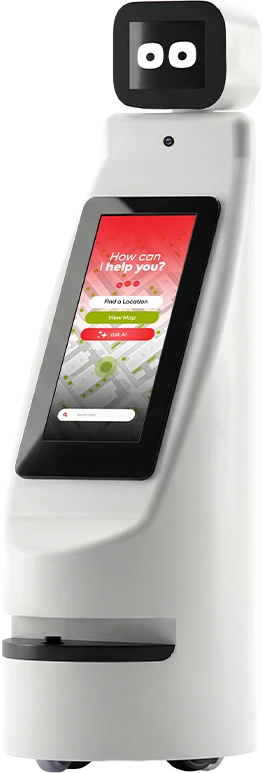
Roams, greets and escorts guests, on a 22-inch screen.
Current model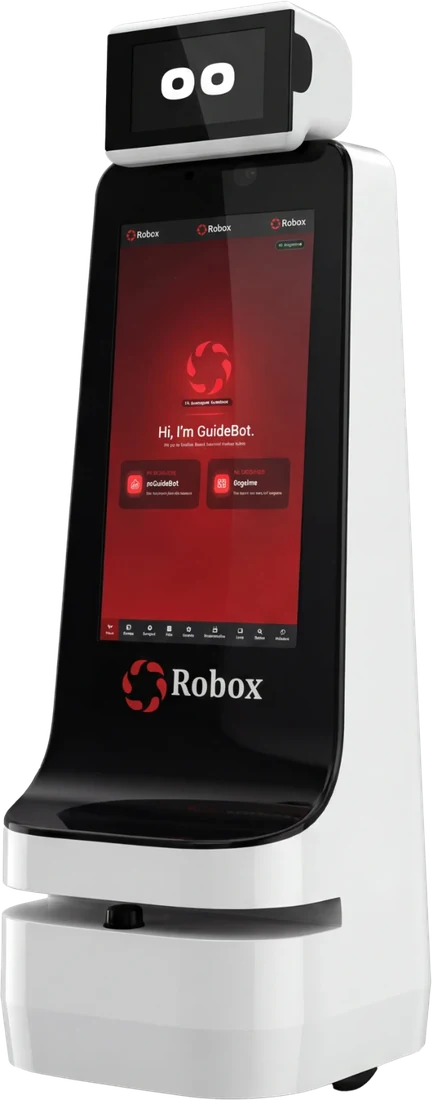
Roams, greets and escorts guests, on a 27-inch screen with 10 h+ runtime.
See GuideBot ProDiscover more about GuideBot and know how it can make your place smarter and bring satisfaction to your customers.
GuideBot is designed, engineered, and assembled by Robox Industries — built for the local market, supported locally, and continuously improved.